A learning app that turns any skill into a visual map. We took it from idea to launch: the concept, UX, UI, brand, site and the app itself.
- What we did
- Product idea, UX, UI, Brand, Website, Web app
The problem
Most courses hand beginners a list of videos and hope the picture comes together at the end. It usually doesn't. People get lost halfway through, not because the material is hard, but because they can't see how the parts connect or where they are.
The idea
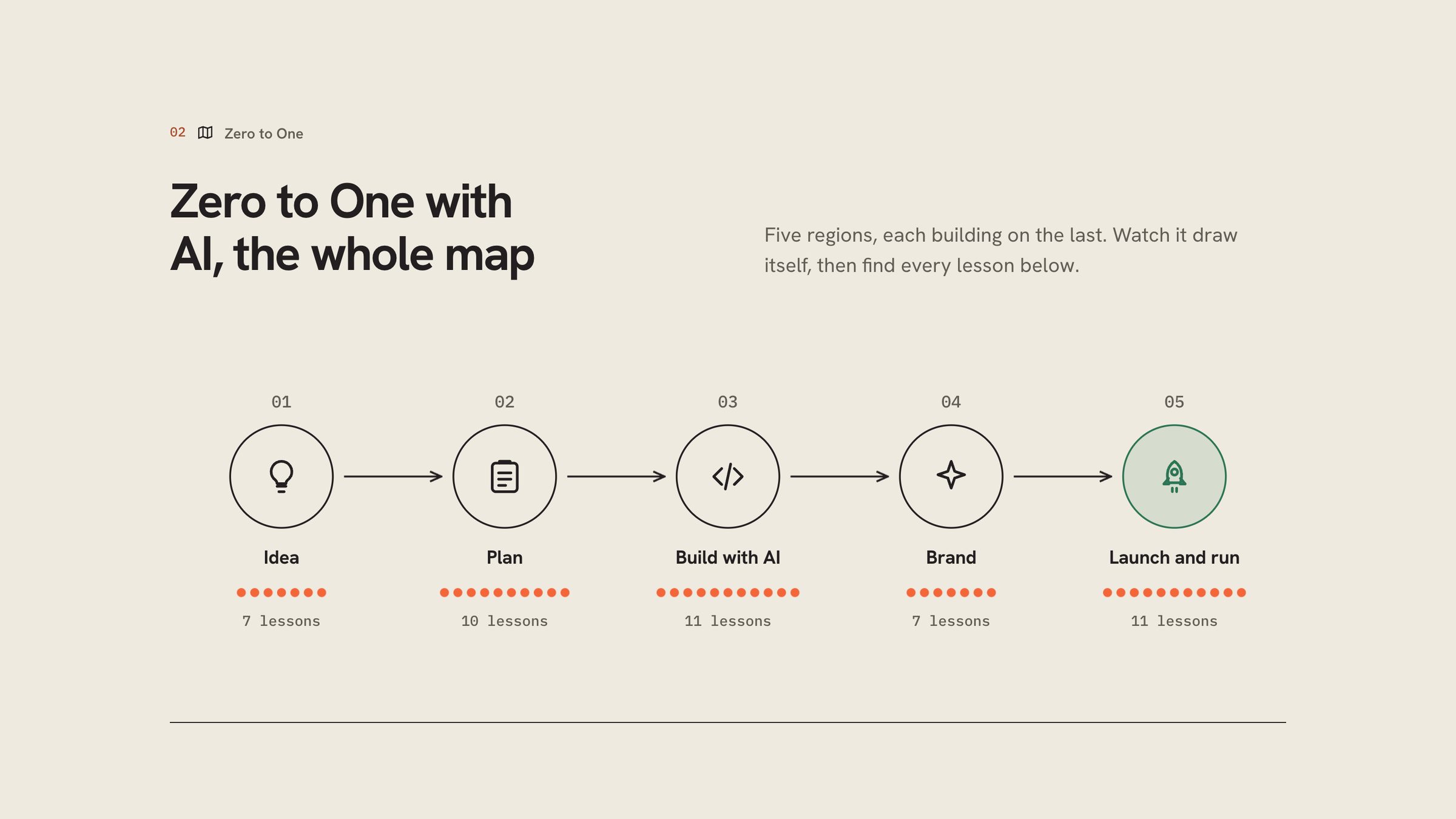
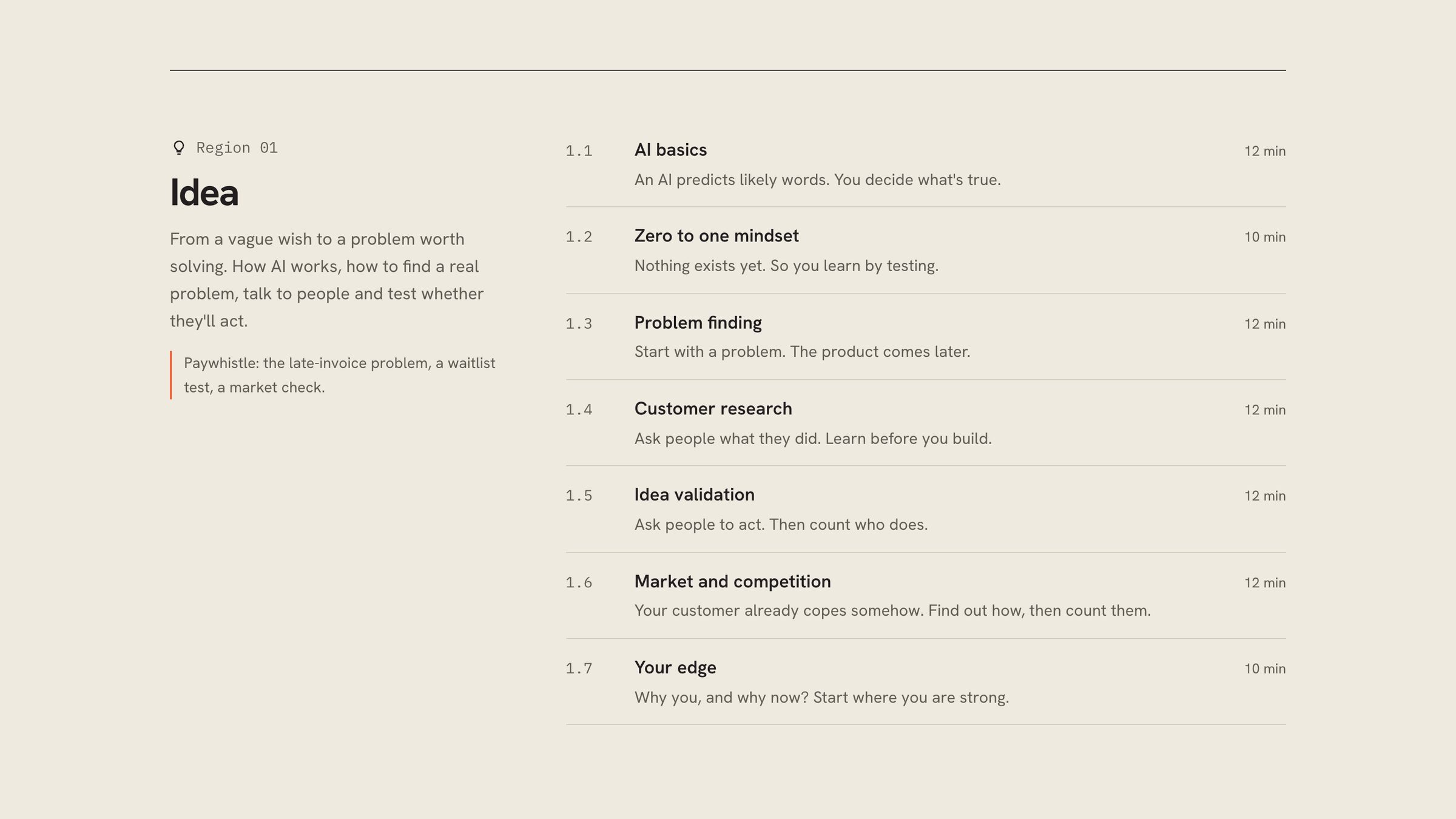
Show the whole skill first, then teach it one step at a time. Every skill becomes a map of connected stations. The first map, Zero to One with AI, has 46 lessons in five regions, about 12 minutes each, with one example product running through every lesson so the steps stay concrete.
The map
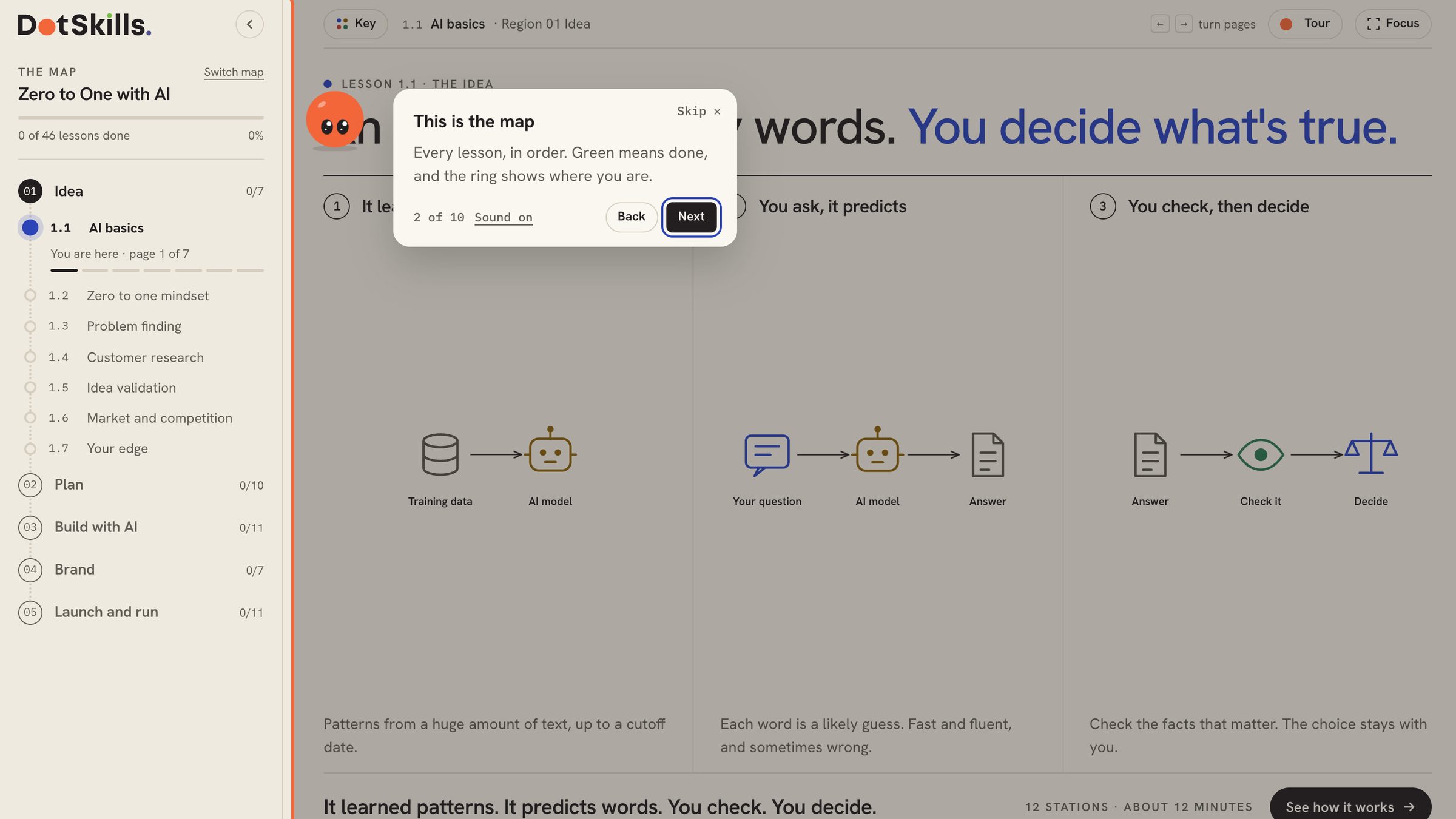
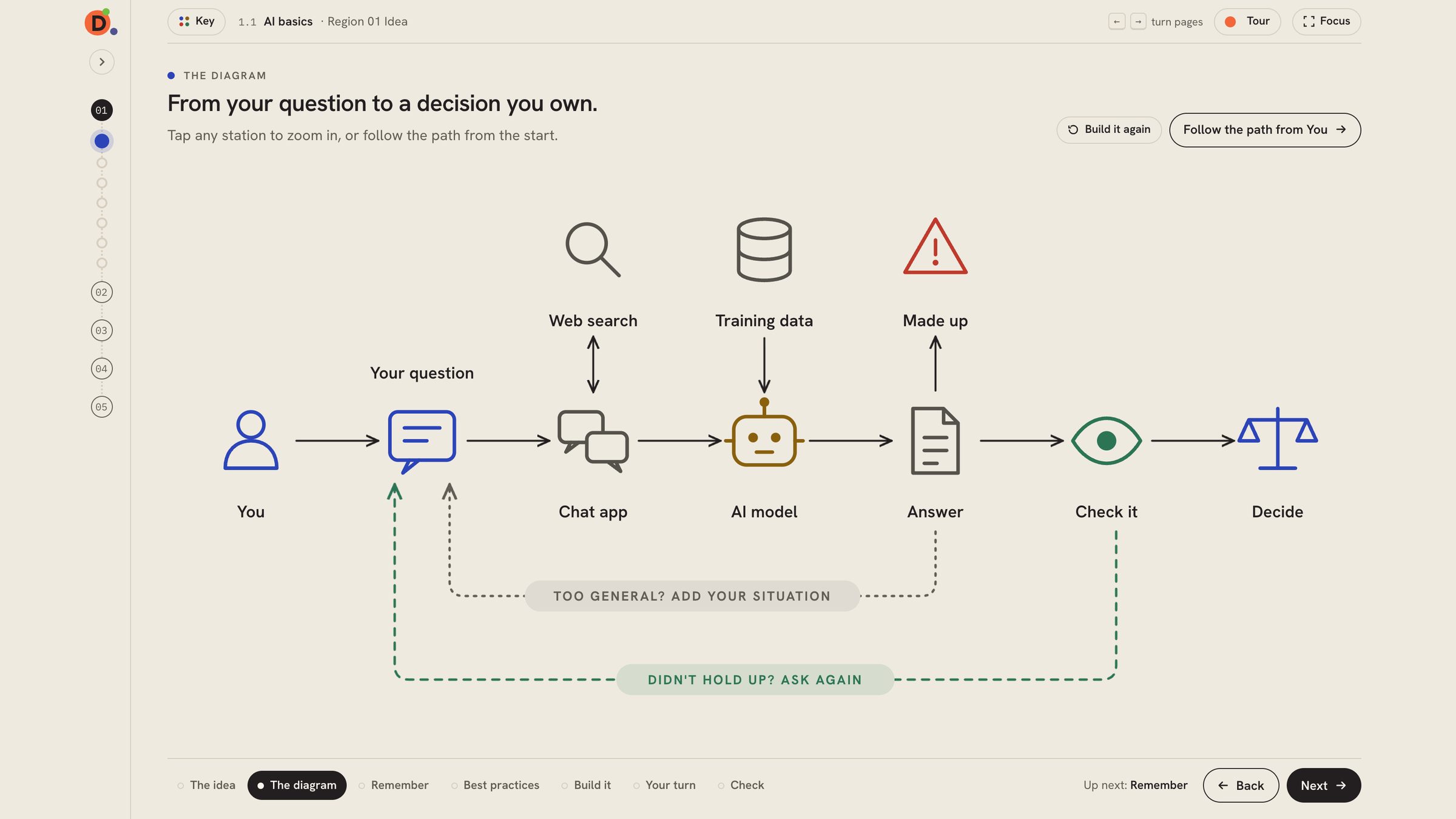
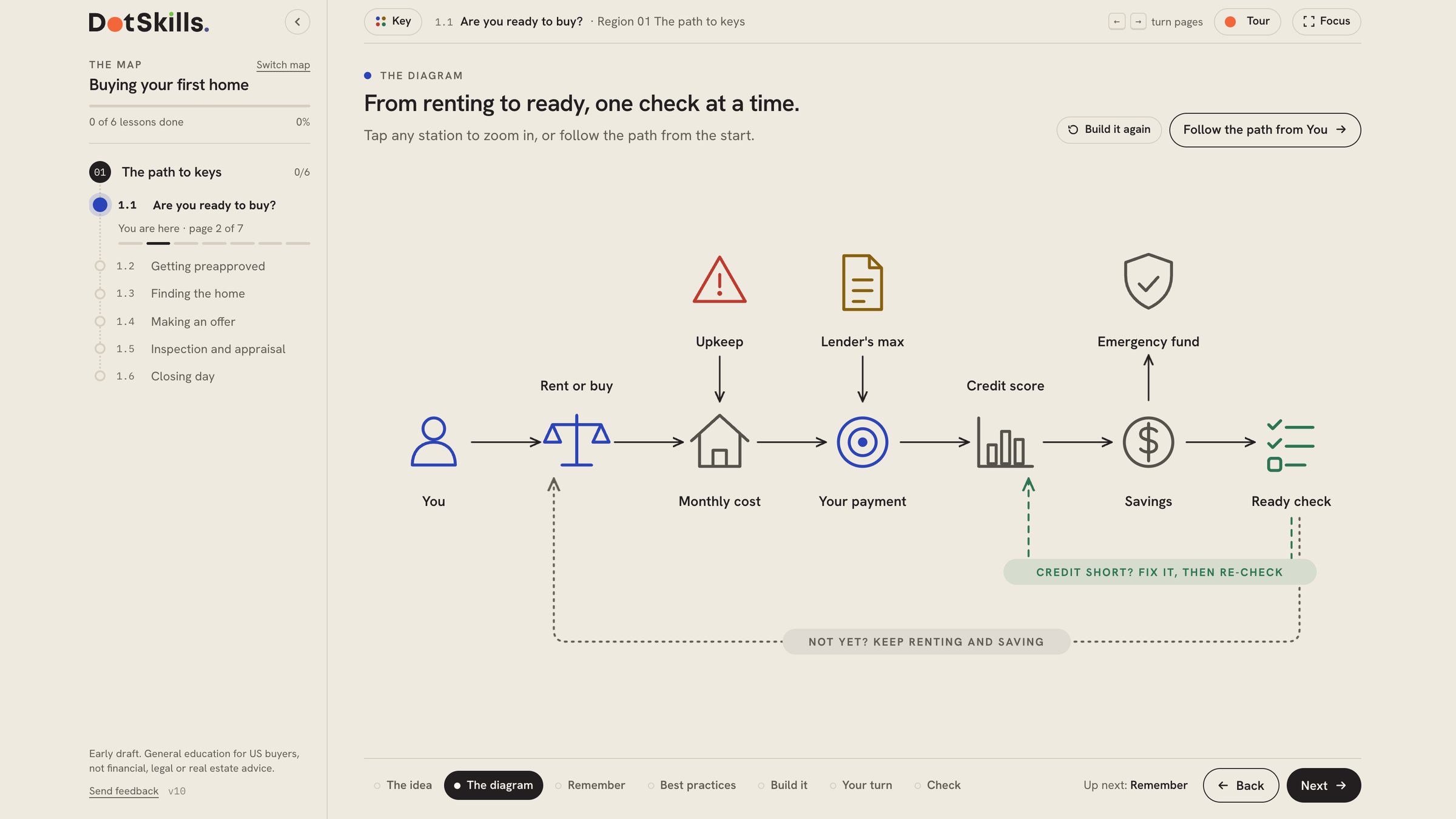
Every skill starts as one map. Zero to One with AI is drawn as five regions (Idea, Plan, Build with AI, Brand, and Launch and run), with each lesson a station on the line. Before the first lesson you can see all 46 stops, how they connect and where you are. A second map, Buying your first home, uses the same system for a completely different skill.
Drill downs
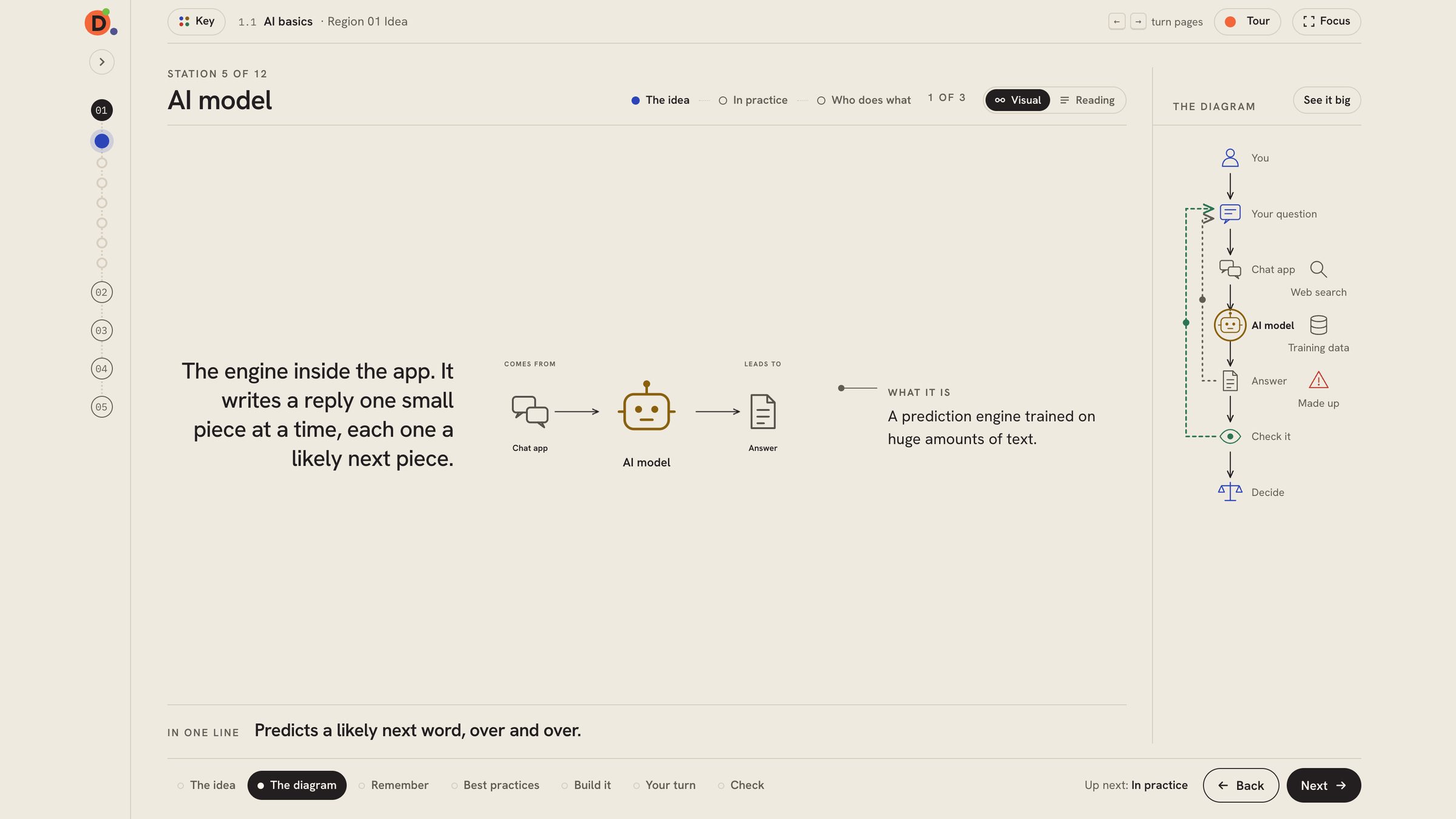
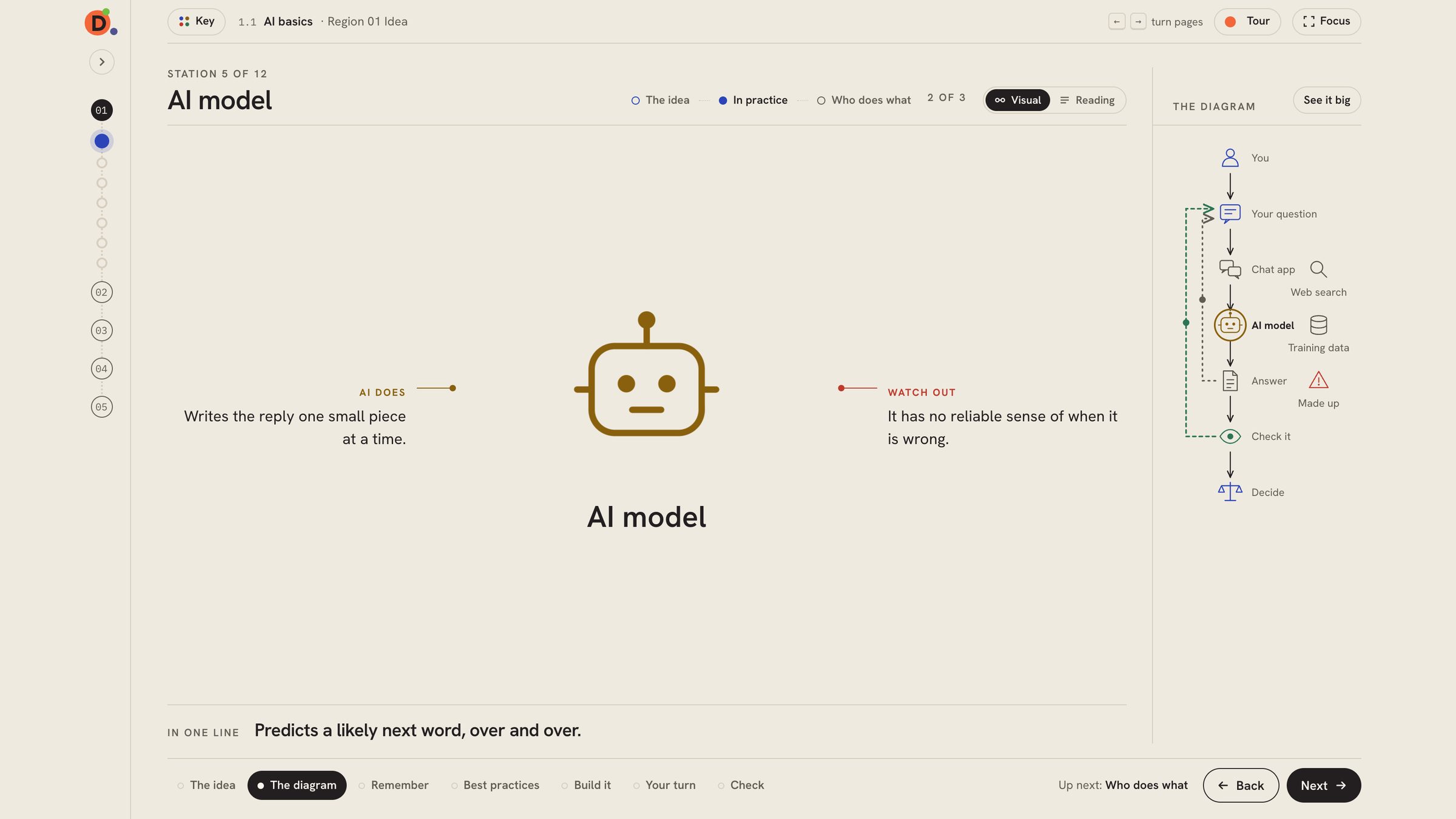
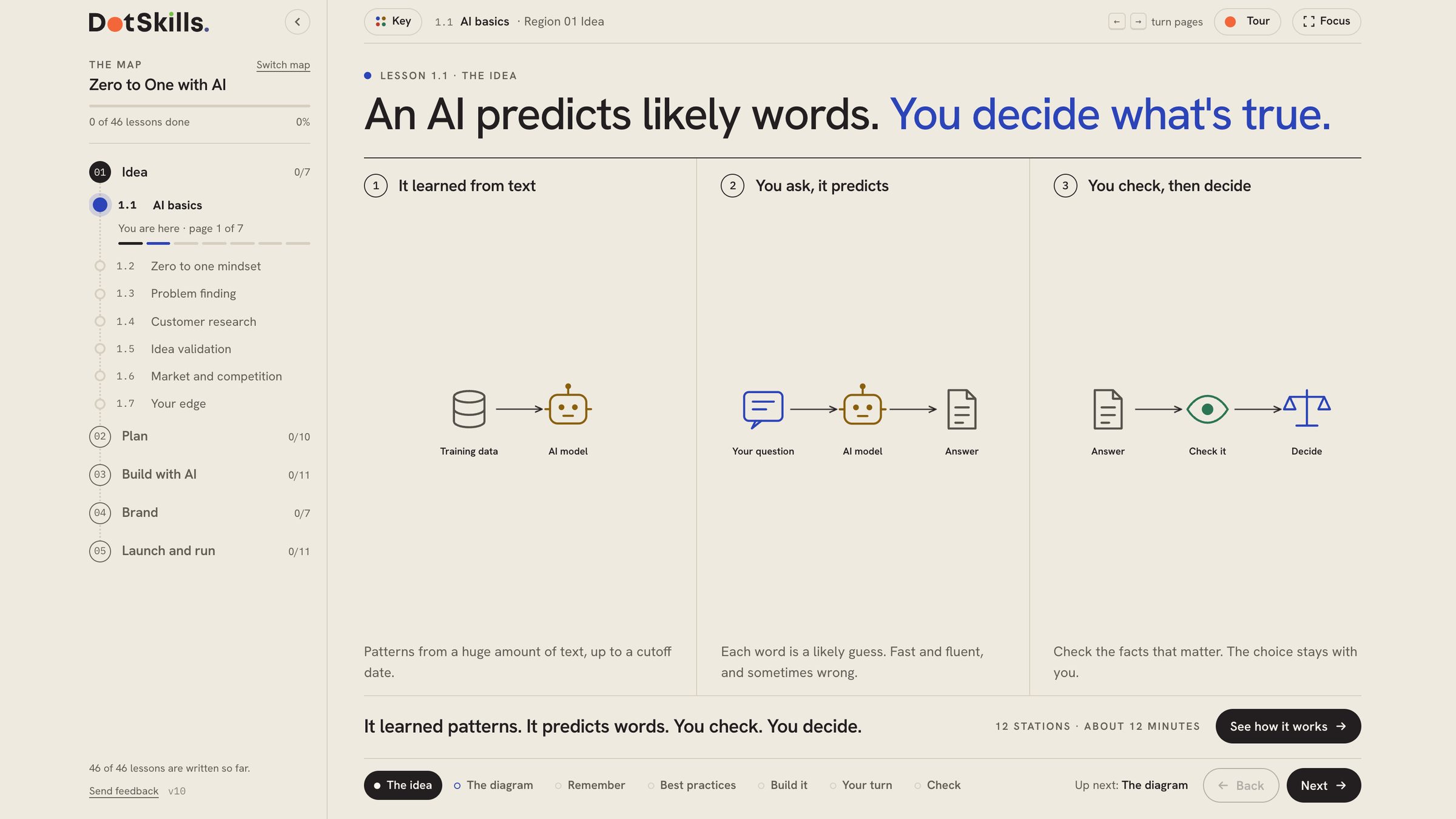
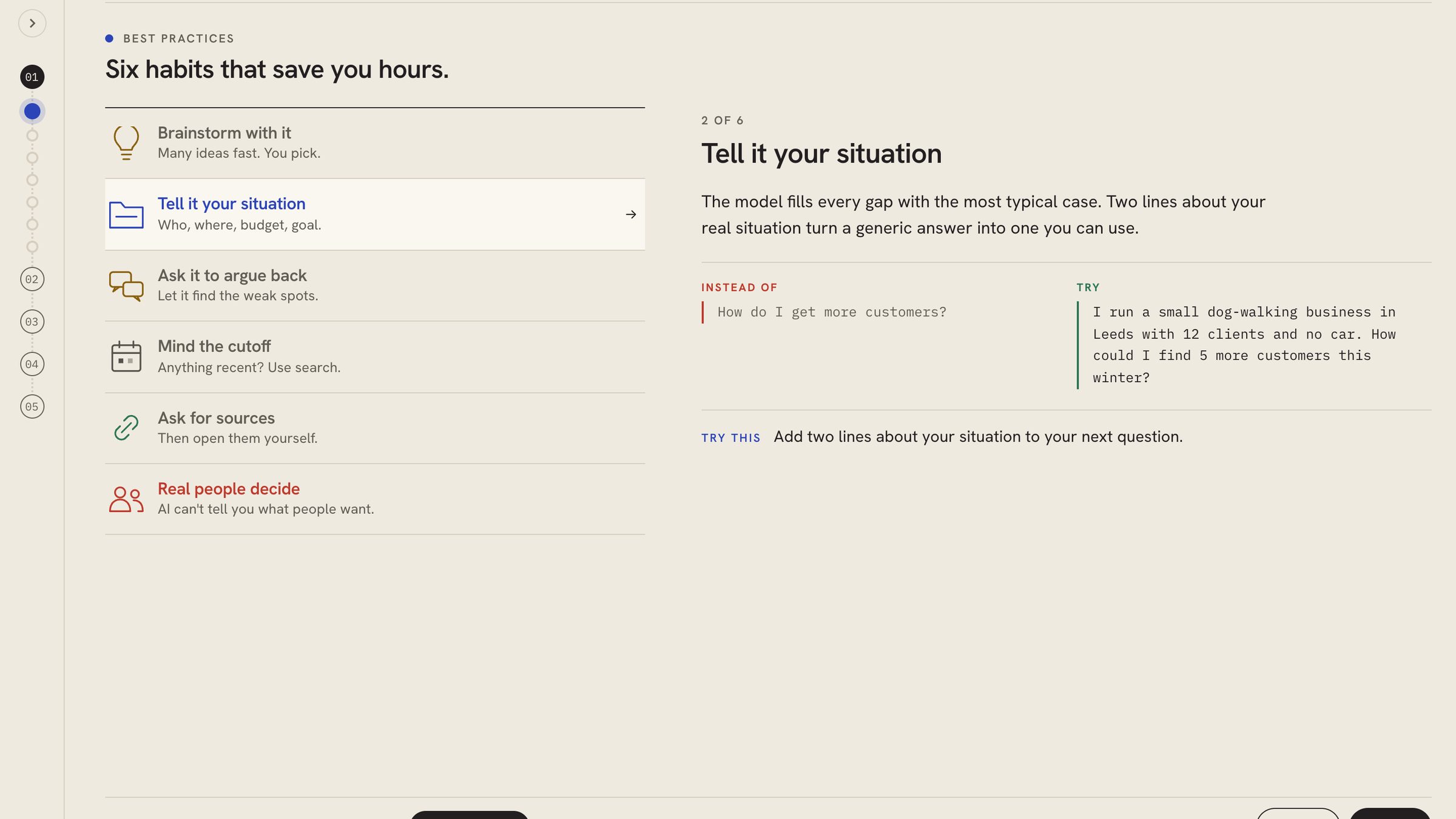
Click any station and it opens in place: the idea, how it works in practice, and who does what, while the rest of the map stays on screen. Follow the path to step through a diagram one station at a time, or open See it big for the full view. Best practices open into before-and-after habits, and build steps open into the exact words to use.
In the first lesson: the diagram, then the AI model station opened on its first chunk, The idea, then its second chunk, In practice.
Click into anything
Nothing in DotSkills sends you to a new page to learn more. You click, it opens where you are.
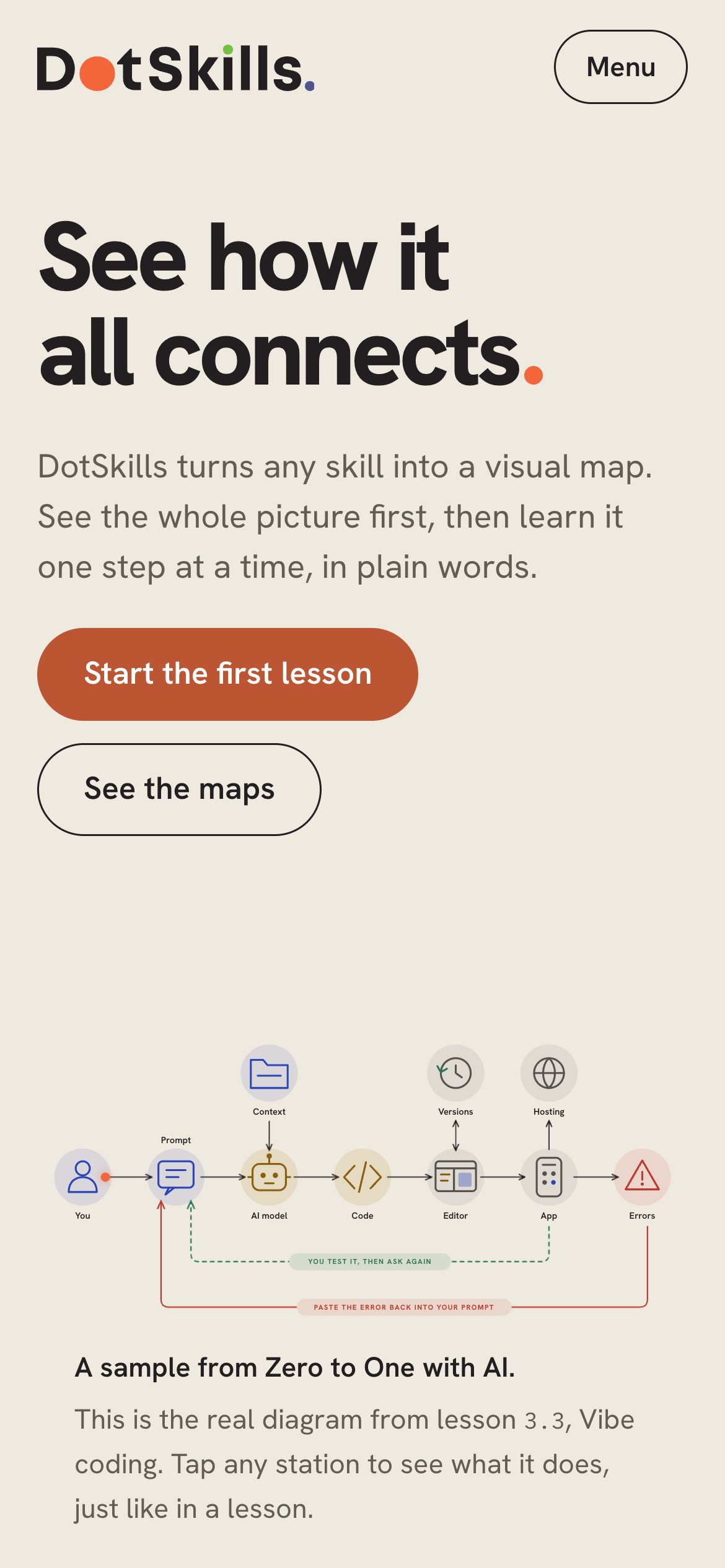
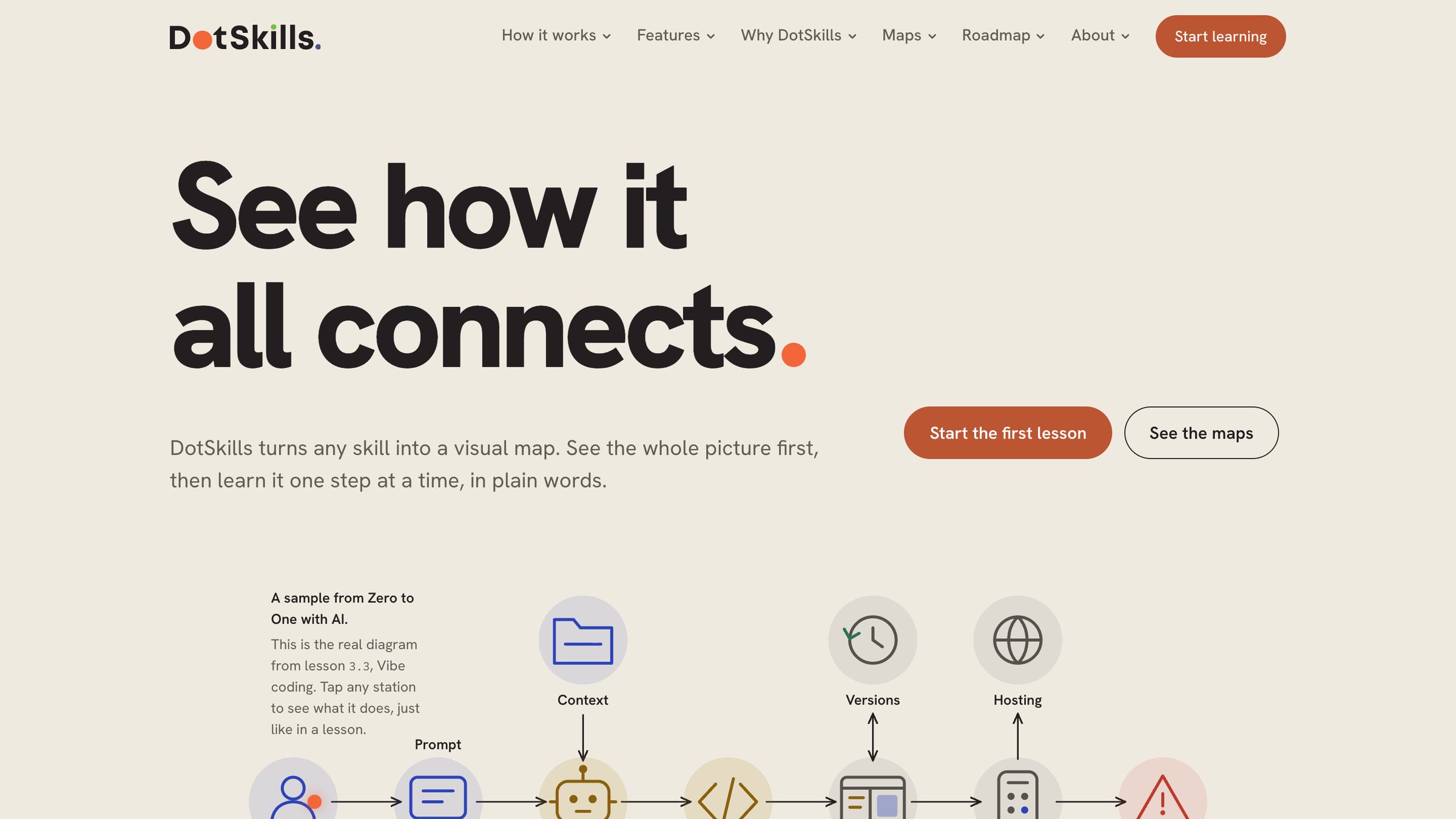
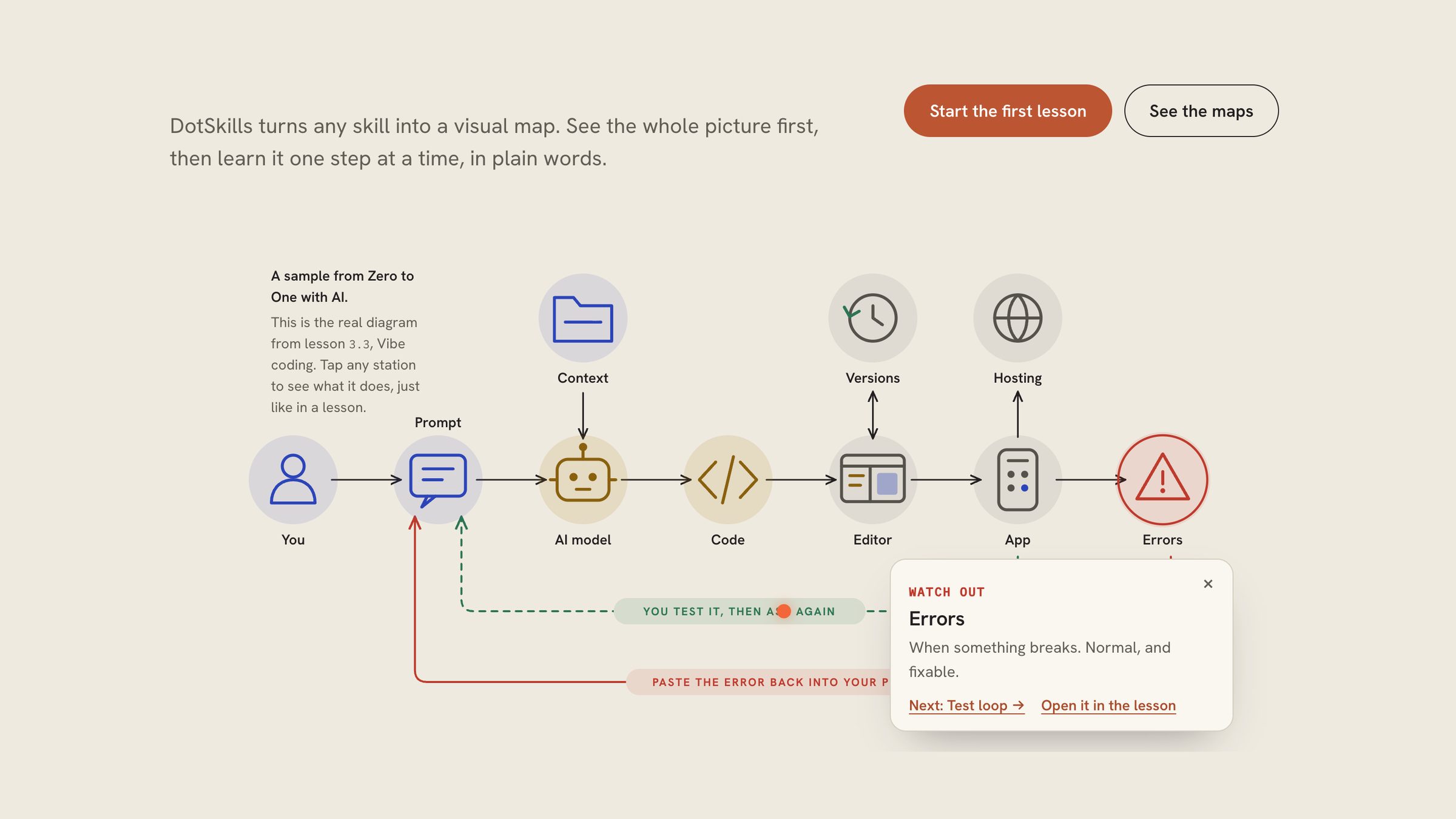
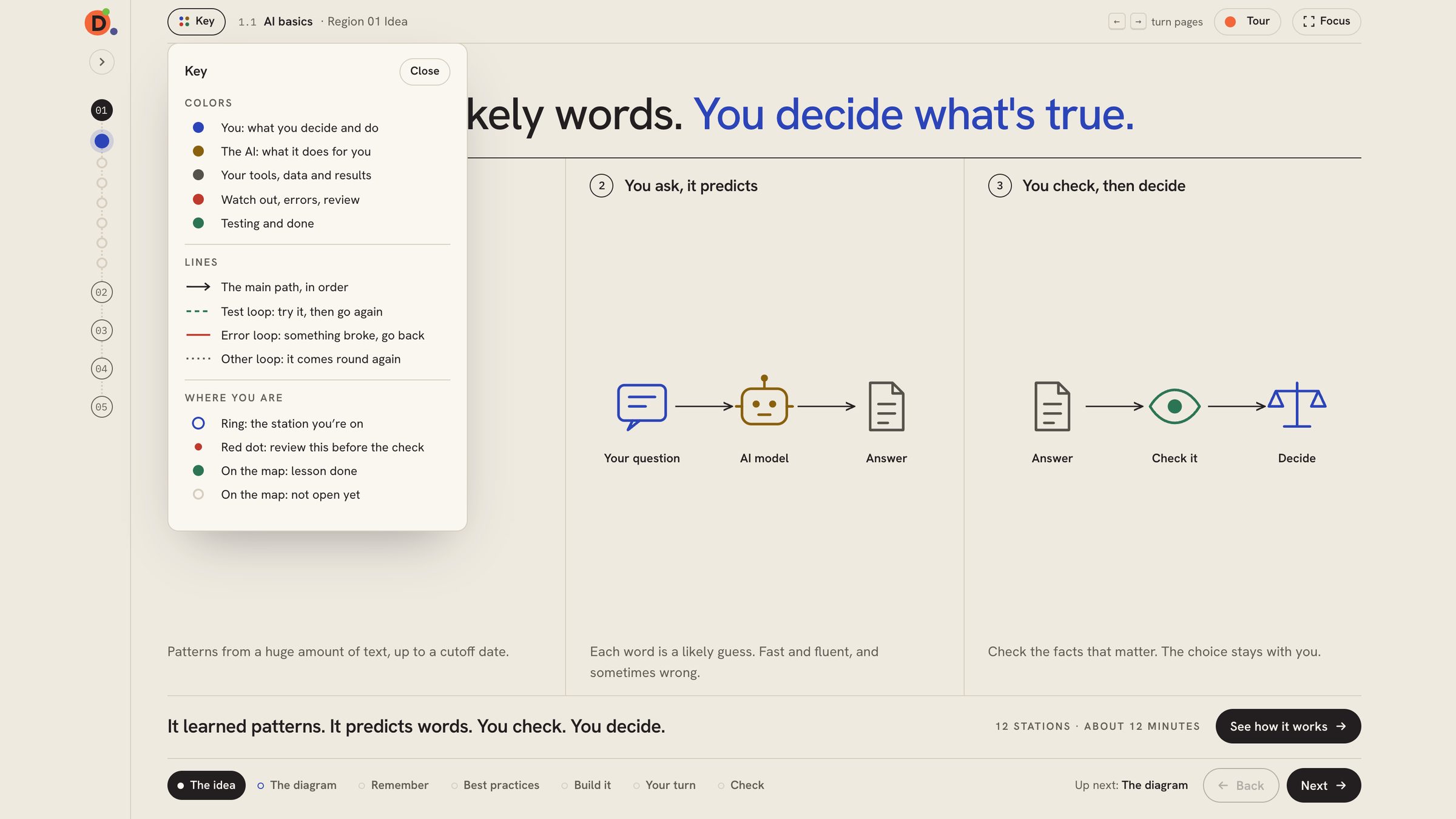
On the homepage, tap the Errors station and its note opens beside the diagram. In a lesson, the Key opens over the page and explains every colour, line and marker. The map rail slides out with every region and lesson, and shows where you are.
The app
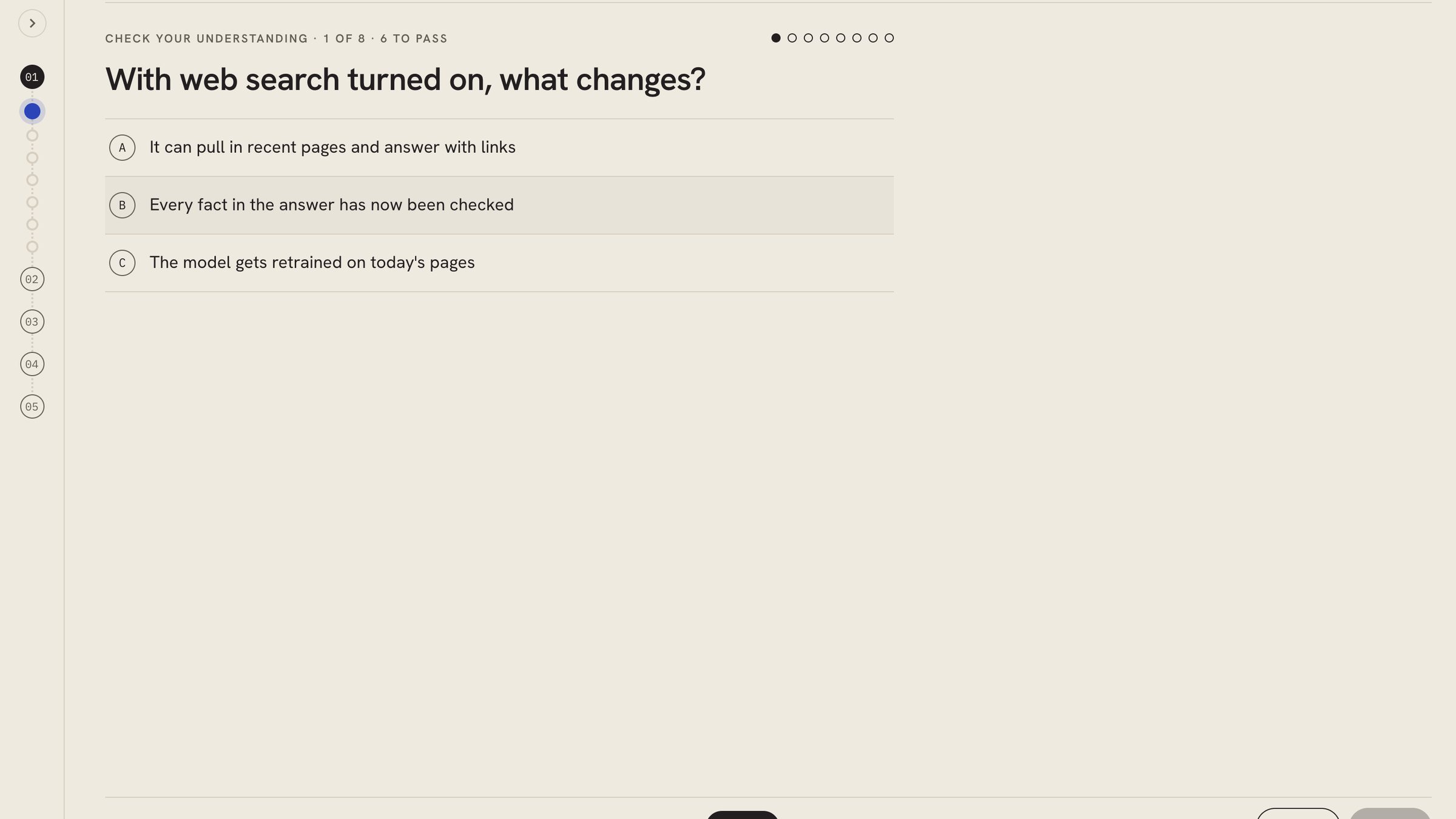
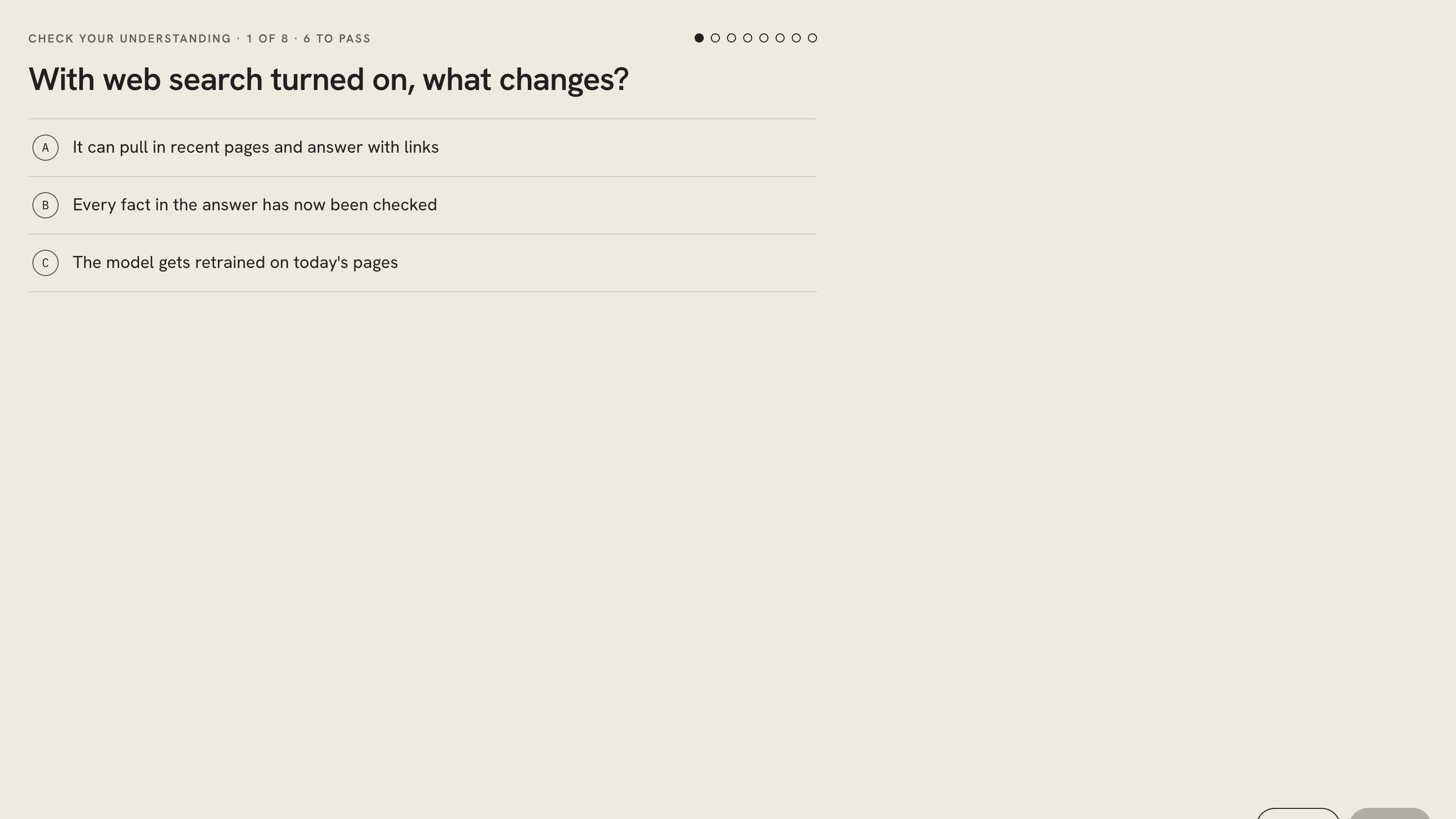
Every lesson follows the same seven pages, from The idea to a Check you have to pass. Diagrams build as you arrive, any station opens into three short chunks without losing the map, and missed questions link back to the station that teaches them. Visual or Reading mode, Focus mode and a map rail that shows where you are. No account needed: progress saves in the browser.
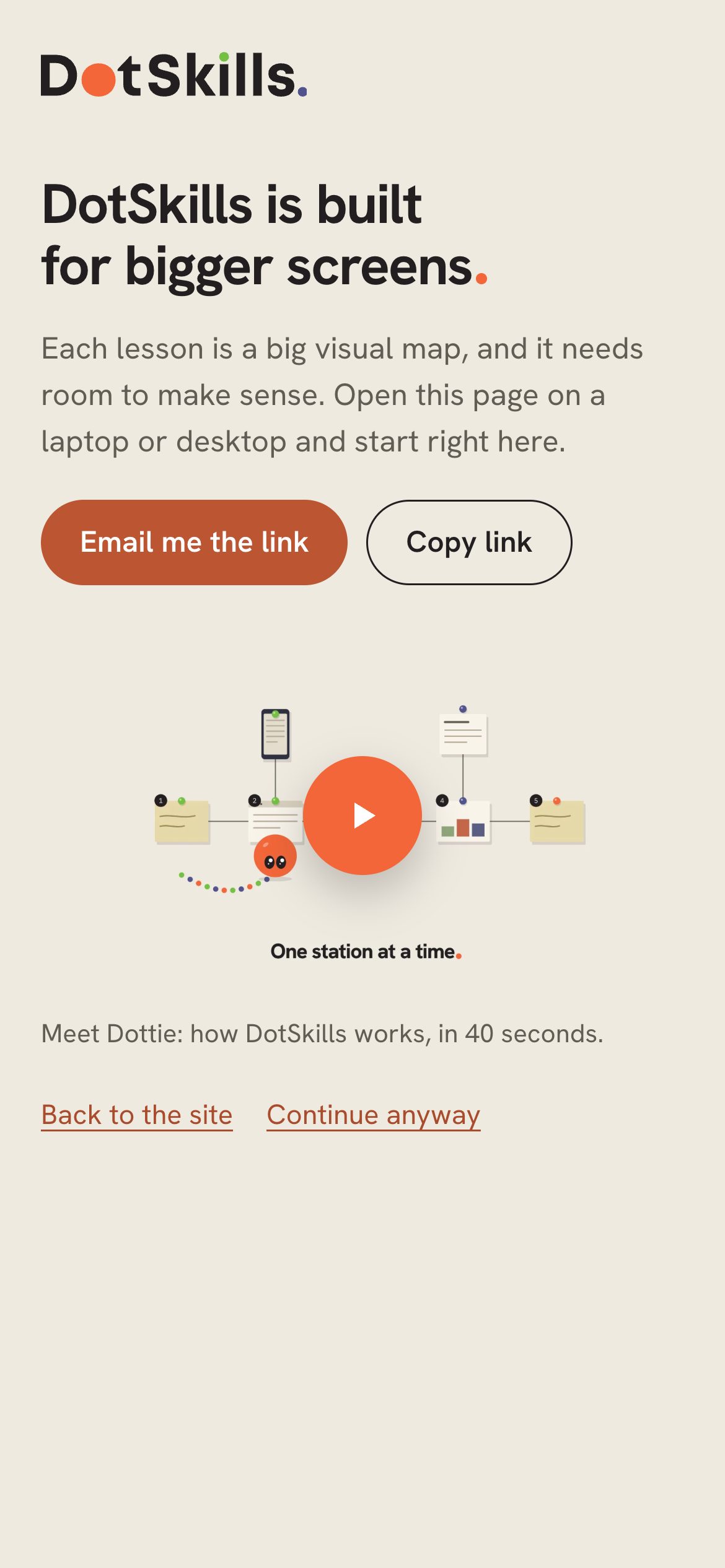
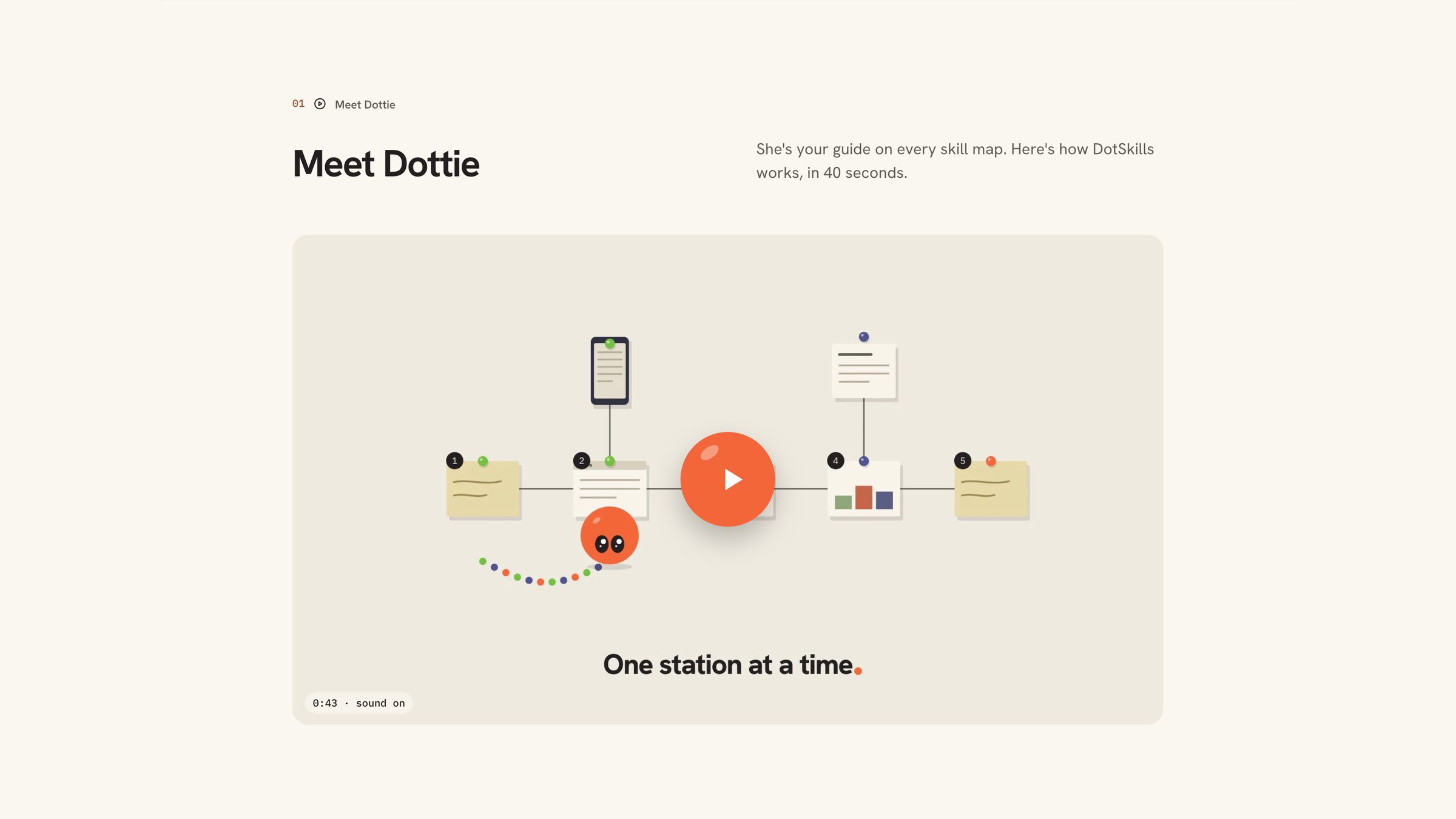
Dottie is the guide. She explains how DotSkills works in a 40-second video on the homepage, then walks you around the lesson screen in a ten-step tour: the map, the pages, the Key, Focus and where to send feedback. After that she pops up with a quick tip the first time you reach each new page.
The brand
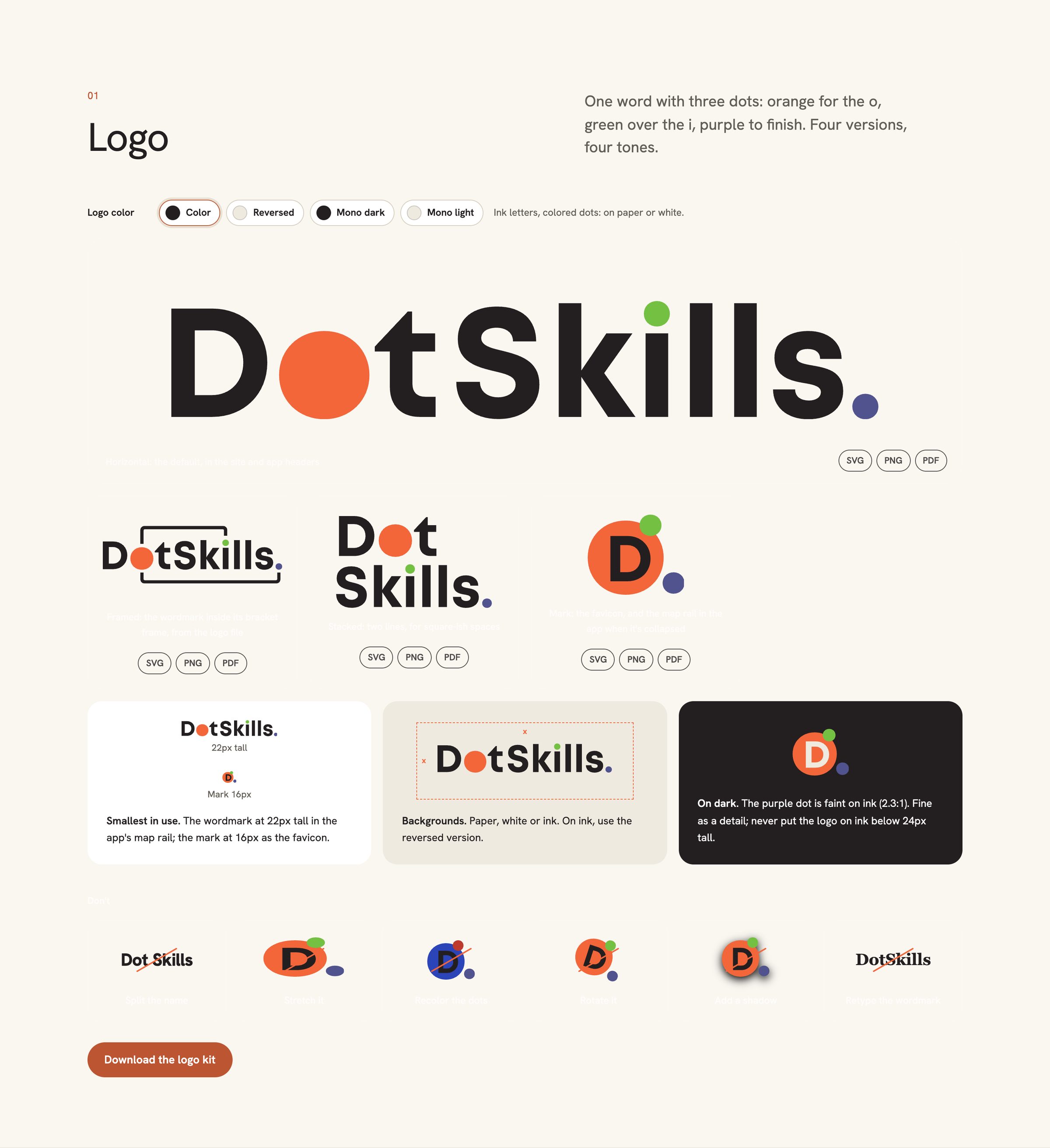
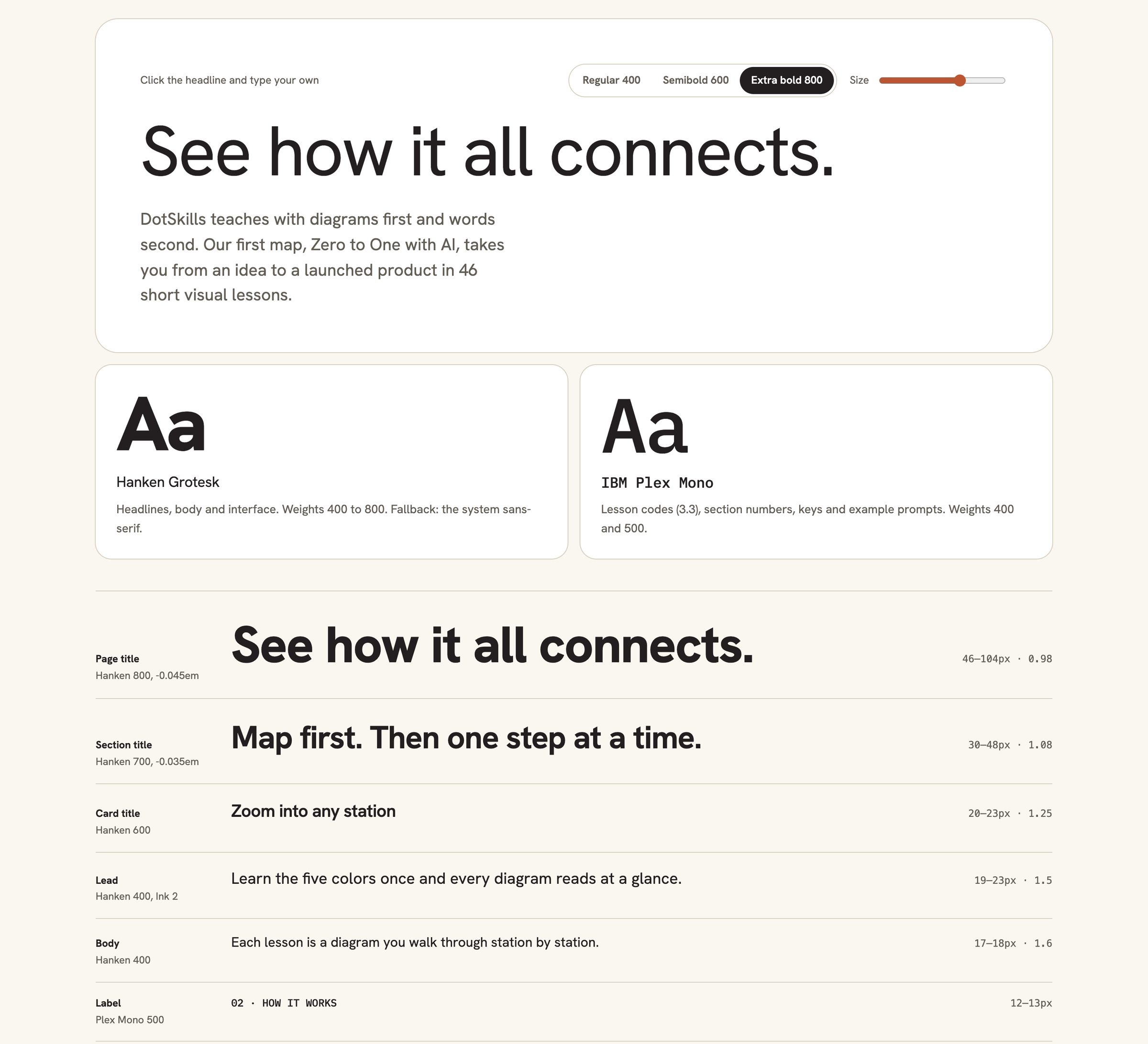
Three dots in orange, green and purple, warm paper and near-black ink, so it reads like a field guide, not a tech product. Five diagram colours each have one job on every map: you, the AI, your tools, watch out, and testing and done. Hanken Grotesk for type, IBM Plex Mono for labels.
Built AI-native
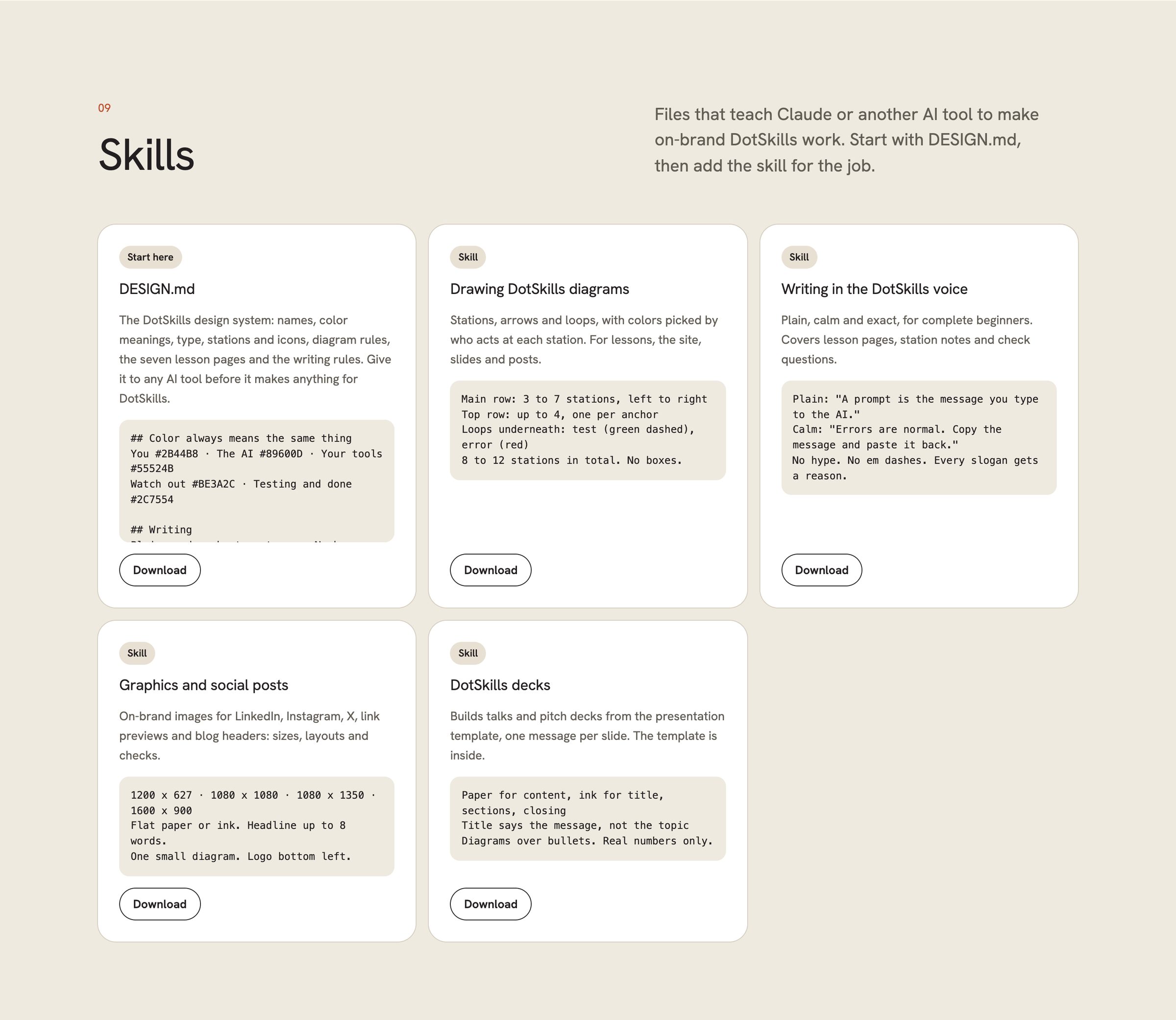
We work AI-native, and we build brands for it. Alongside the logo and the type system, the DotSkills guidelines include skills: files an AI tool loads before it makes anything for DotSkills. DESIGN.md holds the names, colour meanings, type, diagram rules and writing rules, and four skills cover specific jobs: drawing DotSkills diagrams, writing in the DotSkills voice, graphics and social posts, and decks. AI drafts. We decide what ships.
The homepage
It opens on a live map you can tap instead of a hero photo, then introduces Dottie, shows the difference against a normal course, walks through a lesson and lists every feature with what it does for a beginner.
On a phone the homepage keeps its tappable map, and the app says plainly that lessons need a bigger screen, with a button to email yourself the link.